



Creation of an Image Gallery
What?
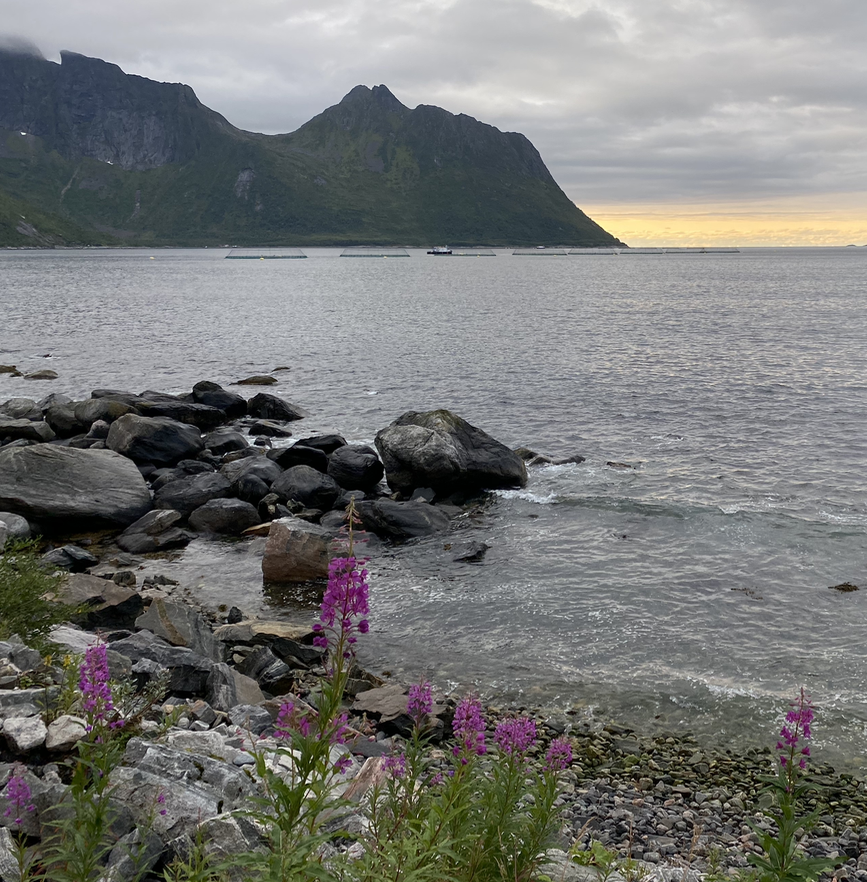
Designed using HTML and CSS and Javascript this animation allows you to scroll through a number of picture using "previous" and "next" buttons either side of the image. The buttons are designed to be opaque as default and become clearer when active or hovered on for accessibility reasons. The loop is currently set to be continuous but can be easily changed to stop at the last image if required.
Why?
An image gallery is a popular way of showing a number of images without cluttering up a webpage. Notice when the webpage is resized the image proportions are not distorted to maintain the integrity
How?
The gallery was constructed first by using HTML to declare all the images that were to be used and to set one image to an active state. Two buttons were also
declared at this point. CSS was then utilized to position all the elements. The images were positioned ontop of each other on the webpage in the required position.
All images that were not in the active state were set to opaque - so just the highlighted image was visible. Finally a Javascript file was written so that upon a click of
the button there would be an update the active class to either the previus or next image in the gallery.
Feel free to get in touch to see how a variation of this could be applied to your specific project.